The real experience
Clear enough to learn. Bright enough to return.
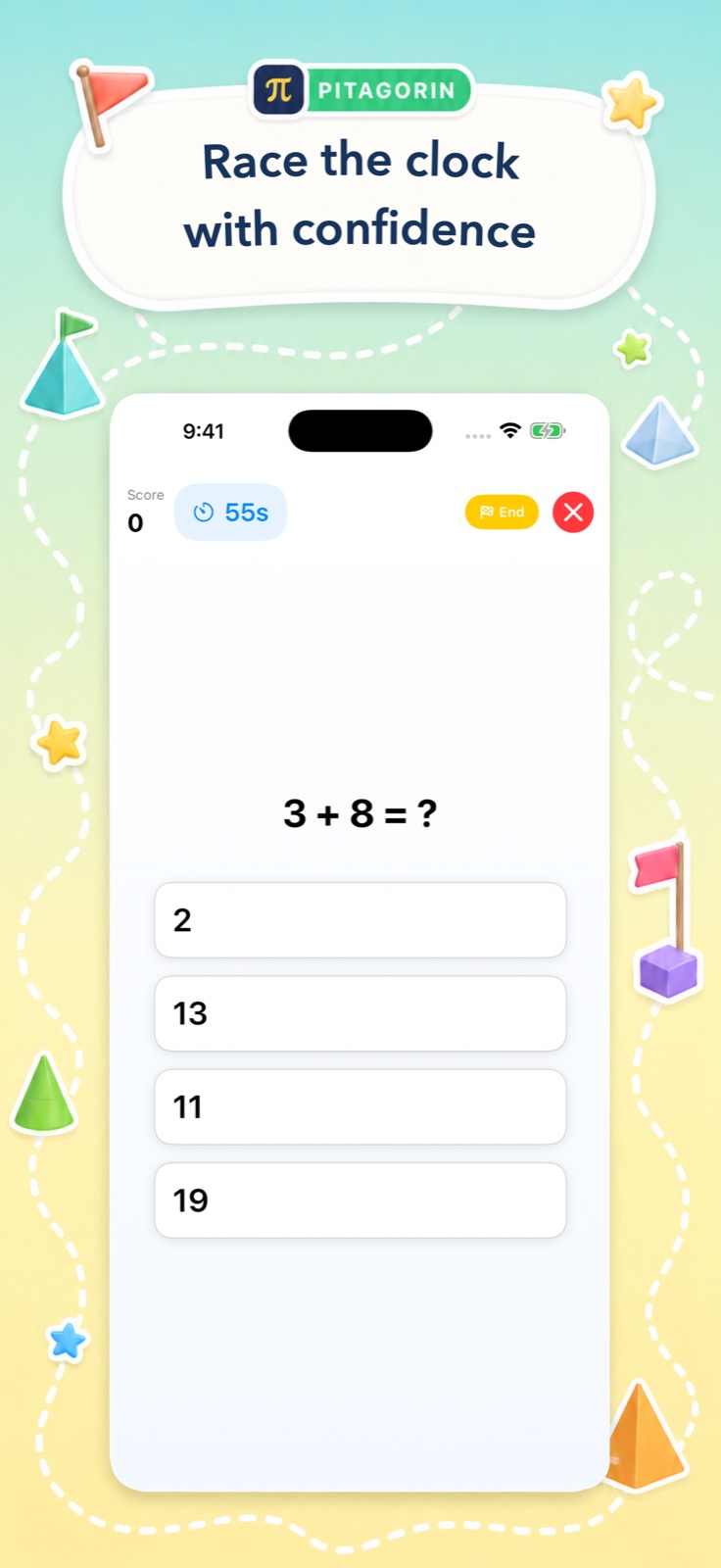
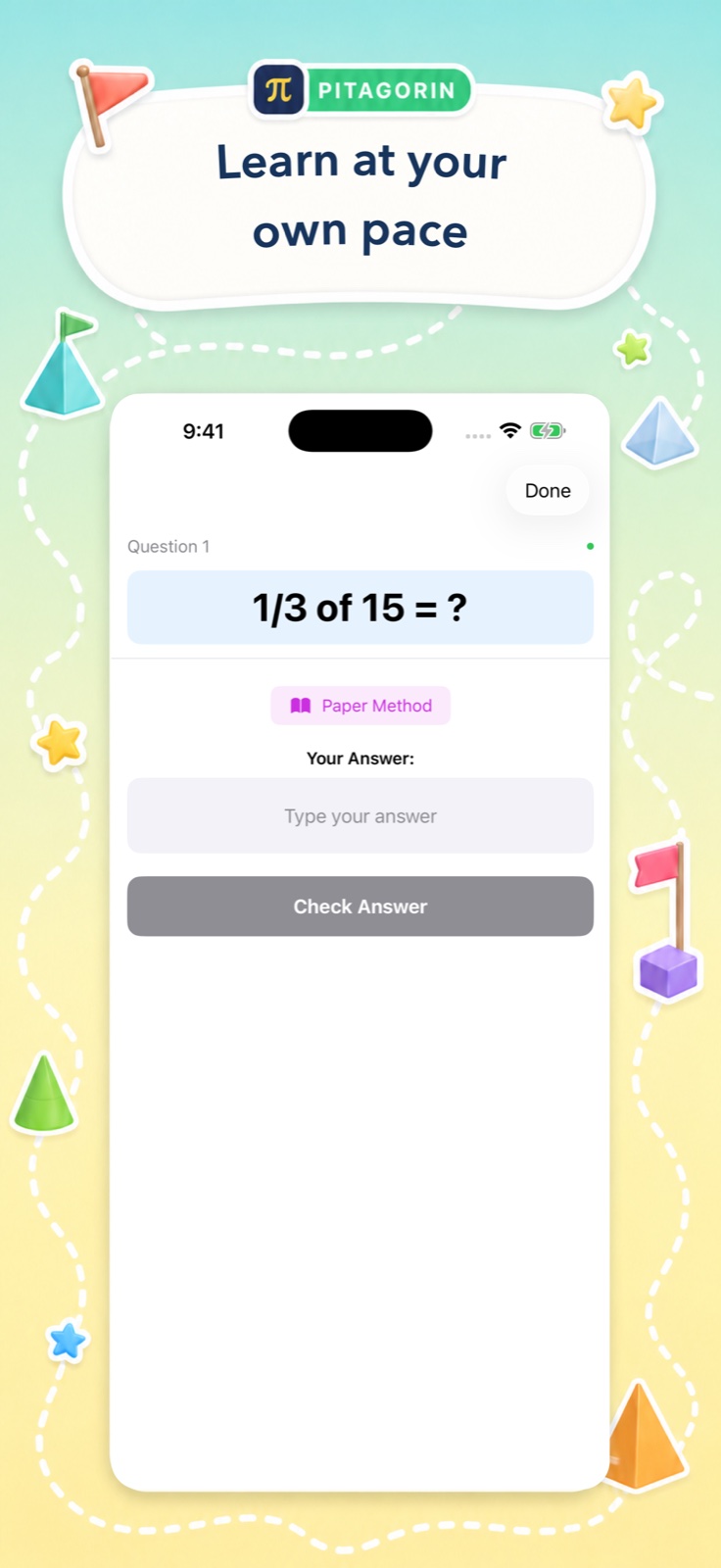
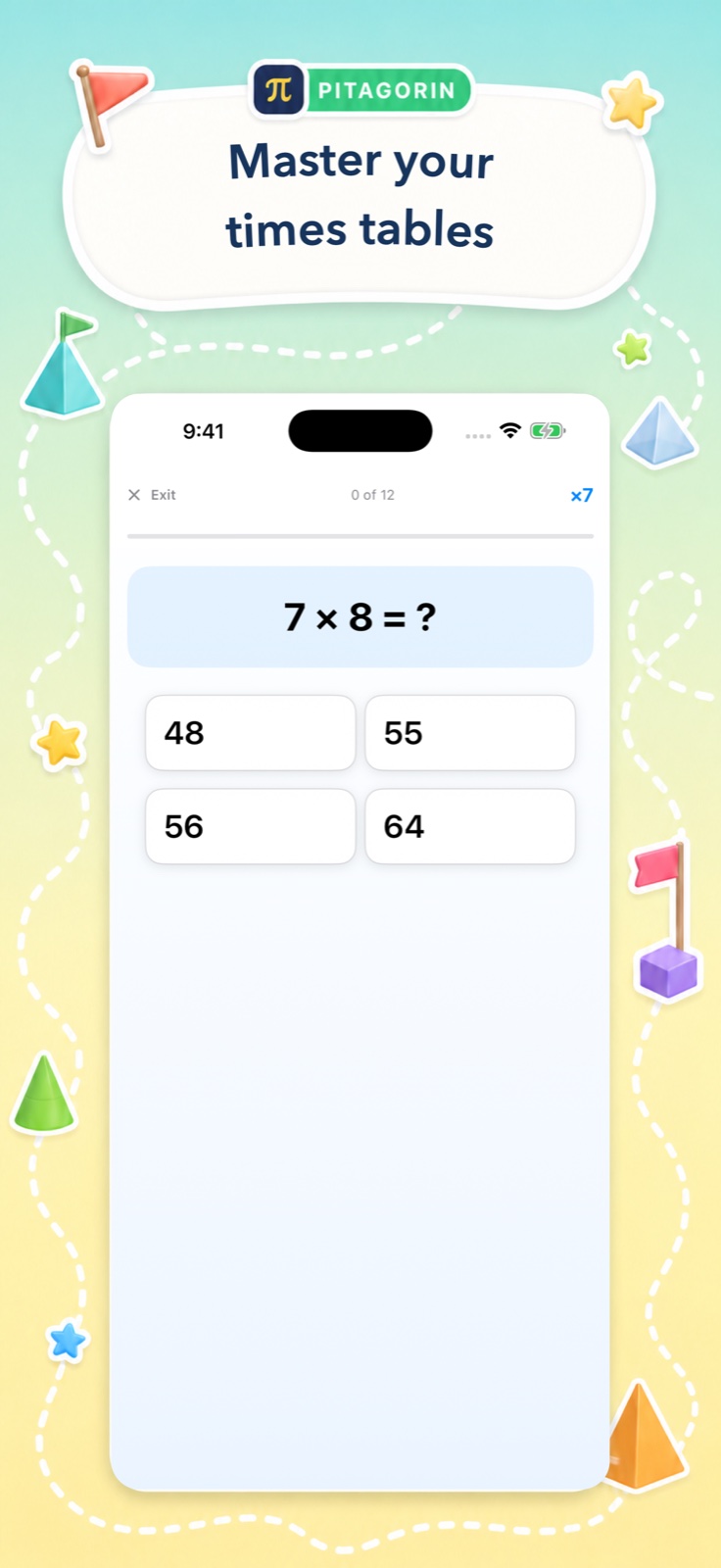
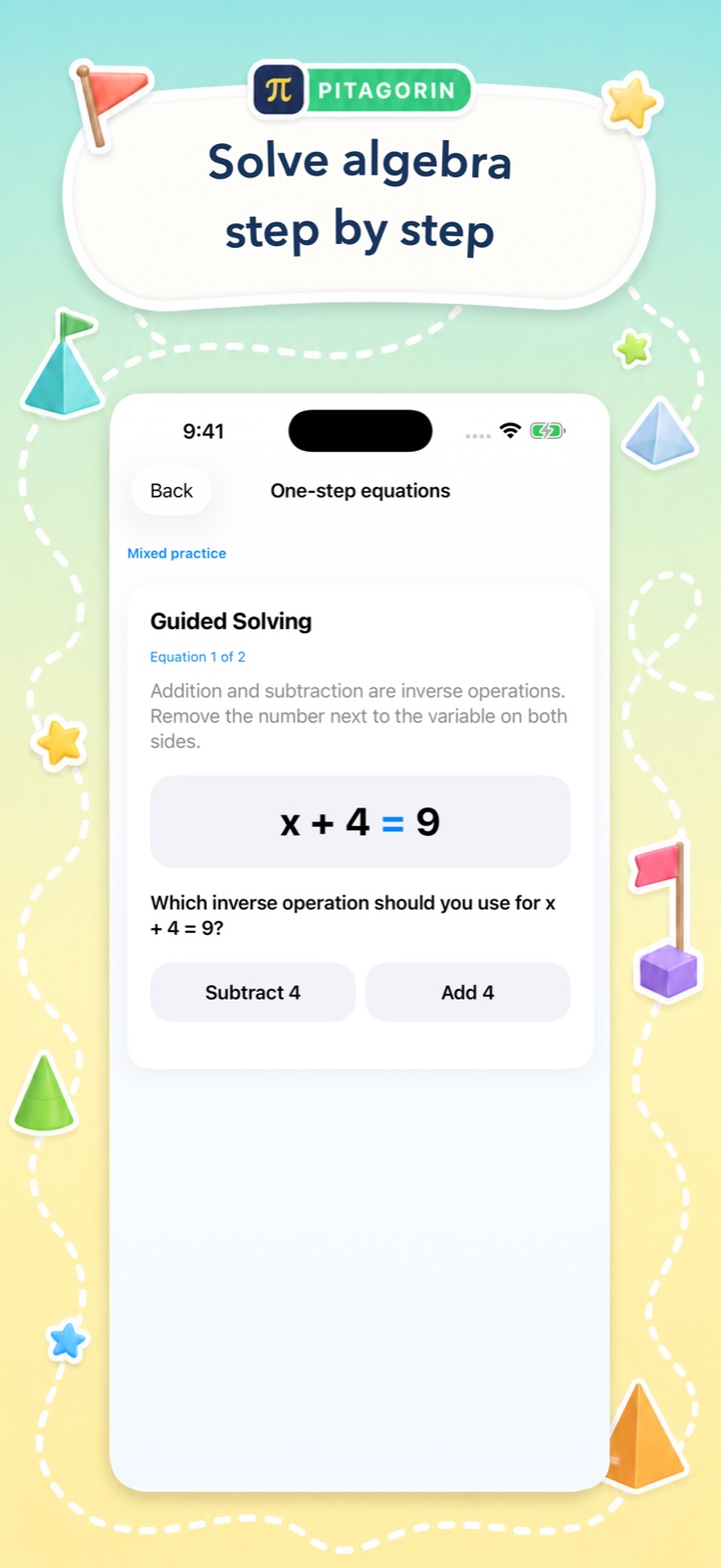
These are real Pitagorin screens. Each one pairs a focused mathematical task with inviting visual cues and a clear next action.
Four learning moments
From quick recall to guided reasoning.
The interface changes with the goal: energetic for a challenge, calm for learning, focused for recall, and explicit for algebraic reasoning.
Designed for focus
The decoration has a job, too.
Pitagorin uses colour to welcome learners into the activity, while the work area stays spacious and legible. Questions, feedback, and controls remain the visual priority.
Large mathematical expressions and generous spacing keep the task easy to locate.
Each screen limits competing actions so learners know what to do next.
Learning help appears when it is useful instead of interrupting every attempt.
Scores, timing, mastery, and history give practice a concrete direction.
Take the next step
Try the real thing.
Download Pitagorin free on iPhone or iPad, or explore every learning mode before you begin.